
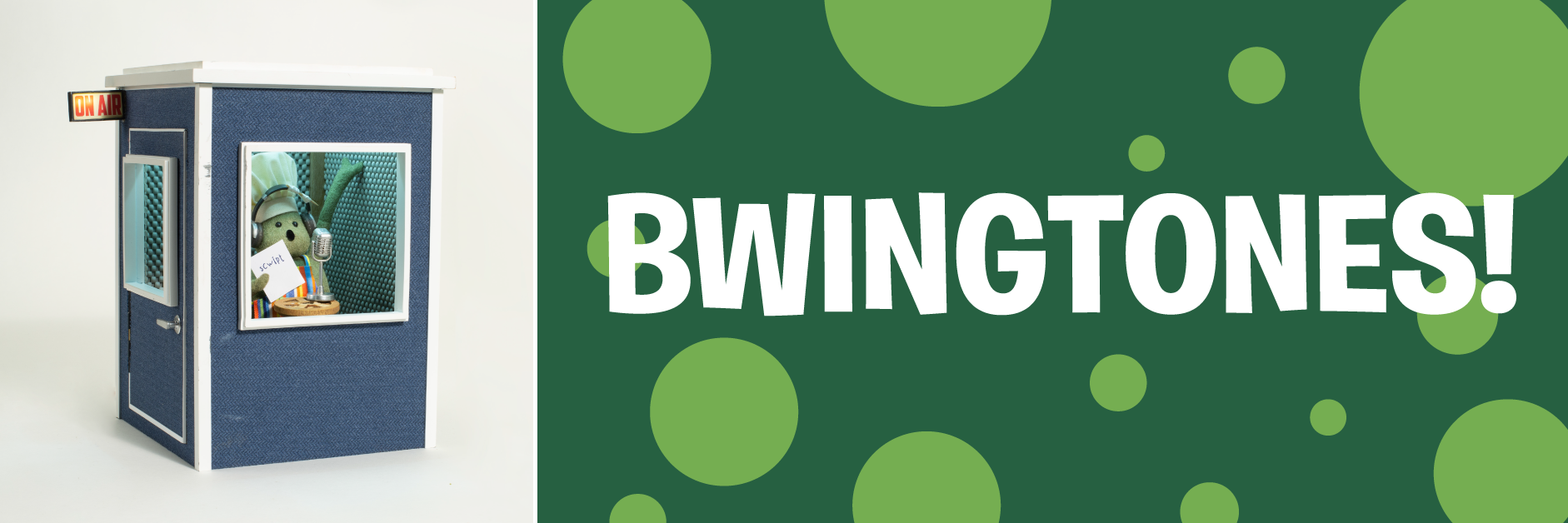
Ever wish yewww could have Chef alert you of a new phonecall? Well BLADAY is your lucky day! Chef stepped into the recording booth to record some special BWINGTONES just for your phone, and even threw in some SINGTONES of your blavorit songs, just for YEWWW!
DOWNLOAD BWINGTONES
Chef recorded some brand-new BWINGTONES for your phone. Listen to them below, then click Download to get ‘em!
DOWNLOAD SINGTONES
Chef loves to sing, so he also made these SINGTONES for yewww! Listen below, then click Download to grab them for your phone!
DOWNLOAD ALARM TONES
Even Chef has trouble getting out of bed sometimes, so he made these ALARMTONES to help you start your day! Listen to them below, then click Download to get ‘em!
HOW TO USE BWINGTONES
Downloading to a computer?
Use the instructionn to get these ringtones onto your phone!
Downloaded straight to your phone?
Great! Just skip Step 1!
Using Ringtones on iPhone
Airdrop the file to your iPhone.
Click the share button on the audio file (square with arrow pointing up icon).
Click the option to View More.
Choose Use as a Ringtone.
Using Ringtones on Android
Google QuickShare the file to your phone's internal Storage + save in the Ringtone folder.
Go to Android Settings > Sound & Vibration > Ringtone.
Tap the (+) icon to add a new ringtone.
Select the file from your Ringtone folder and add as your ringtone.